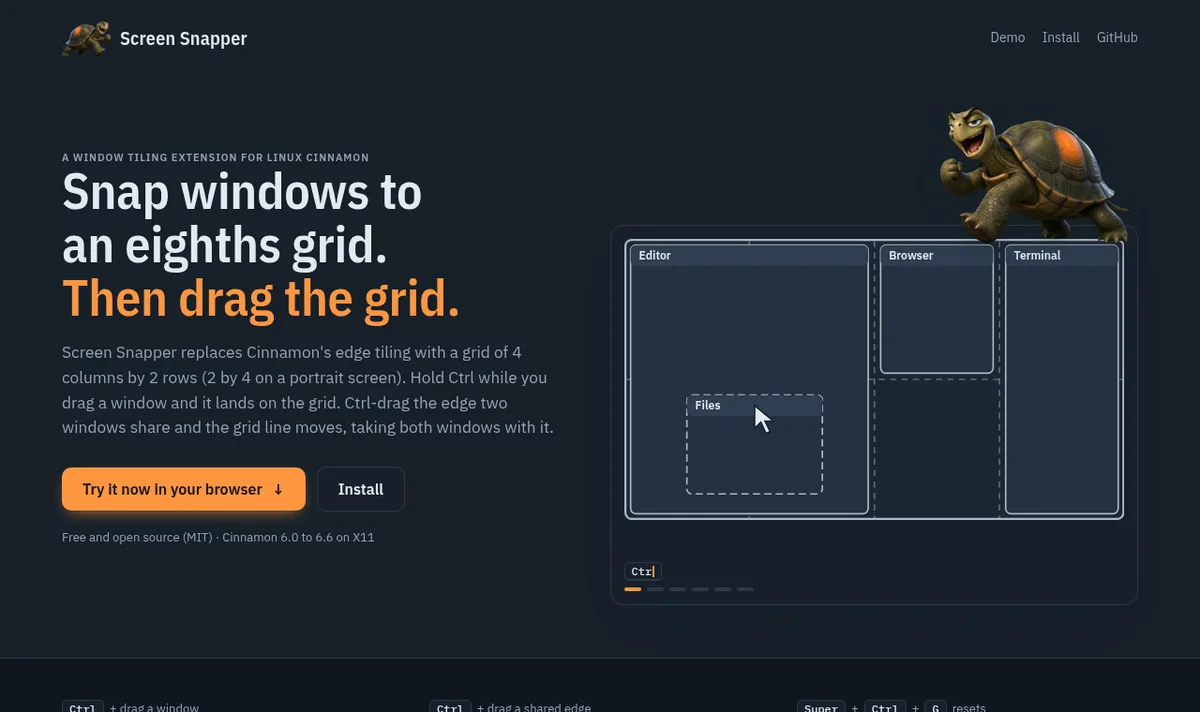
How I work
Three modes
- 01
Define the problem
The real friction, the constraints and what “done” looks like.
- 02
Build with the right tools
Whatever delivers it best, with clear, human-readable code.
- 03
Ship and refine
A working product in real use, improved from real feedback.
Selected work
Some of what I’ve built
Live site
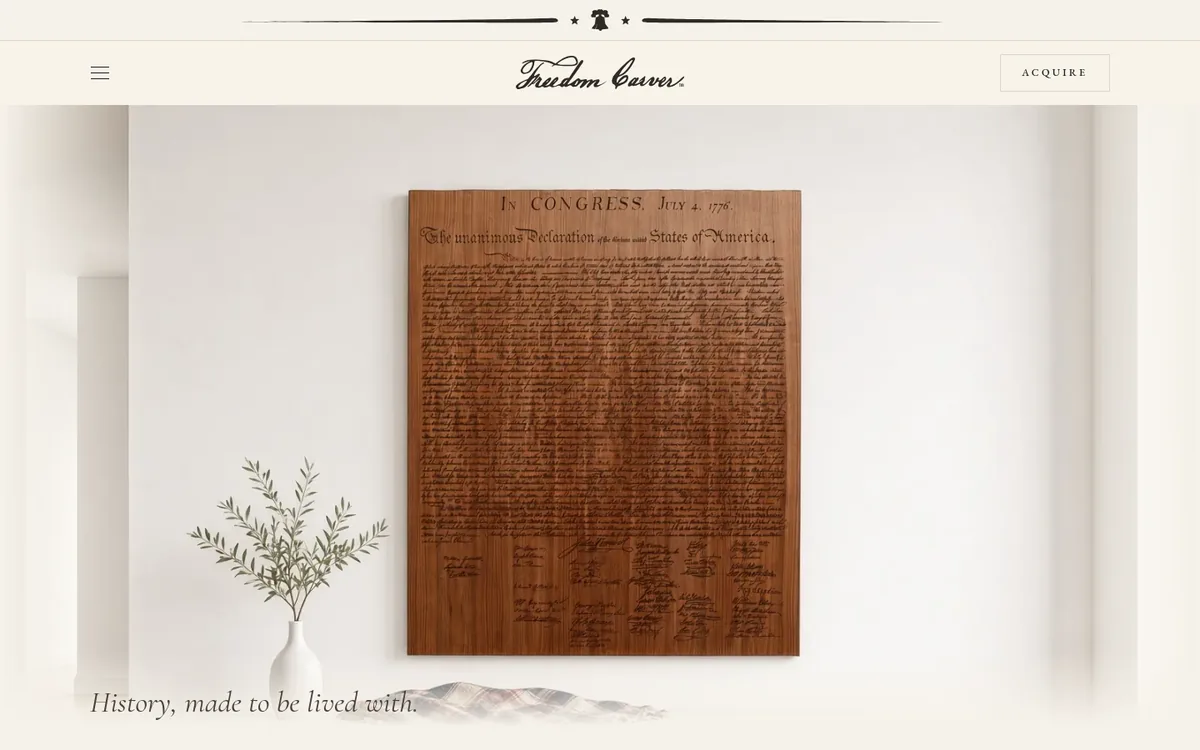
Freedom Carver
I created Freedom Carver: the full Declaration of Independence, all 56 signatures included, carved into American hardwood panels. A custom Python program turns SVG into G-code so the pieces can be produced simply and efficiently on a CNC machine. The site shows the piece, the three woods and three sizes, and takes reservation inquiries for the 250th Anniversary Edition.
Continuing education
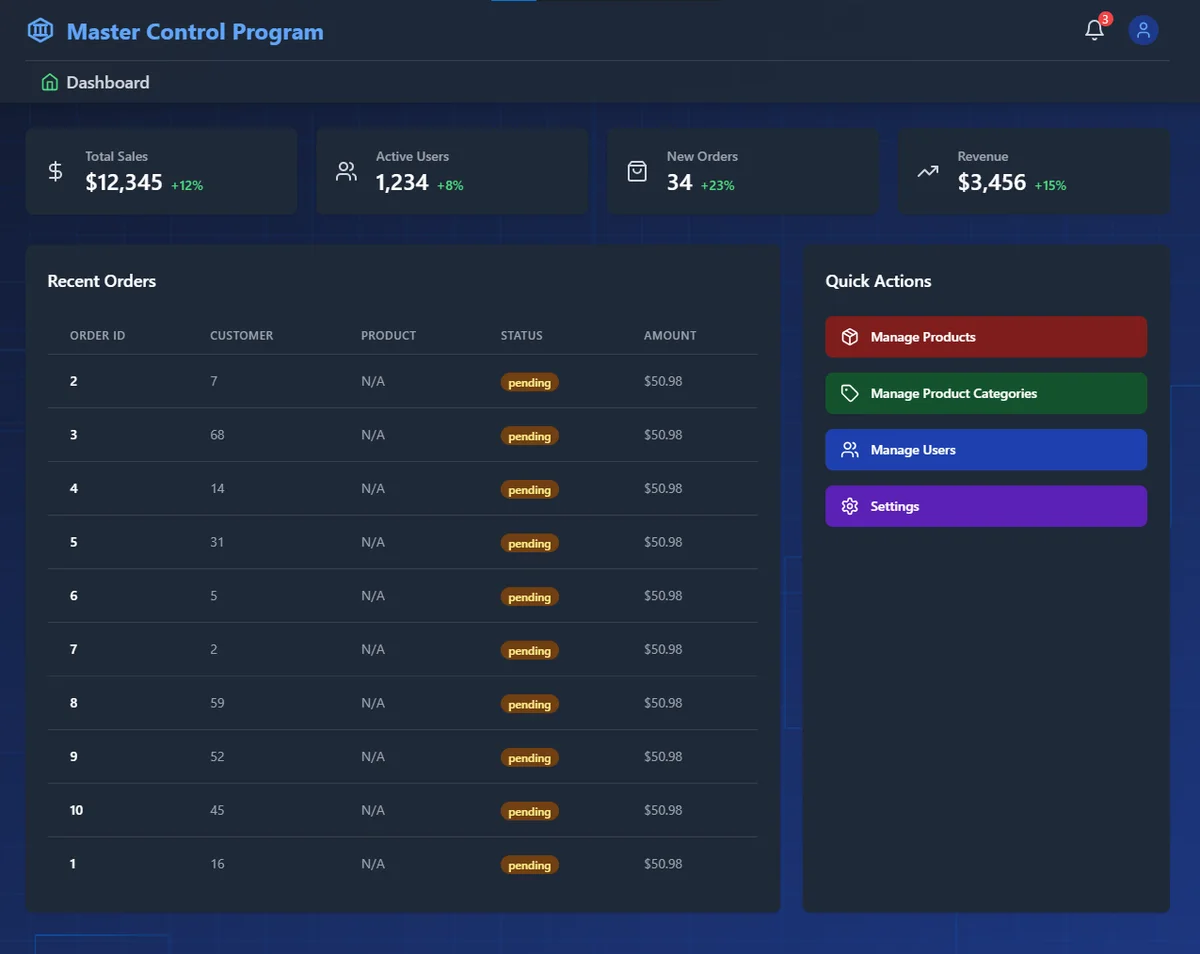
FreeCARVER MCP
A full-stack e-commerce system built as a continuing-education project, working through a real-world store scenario end to end.
Desktop utilities
Shipped
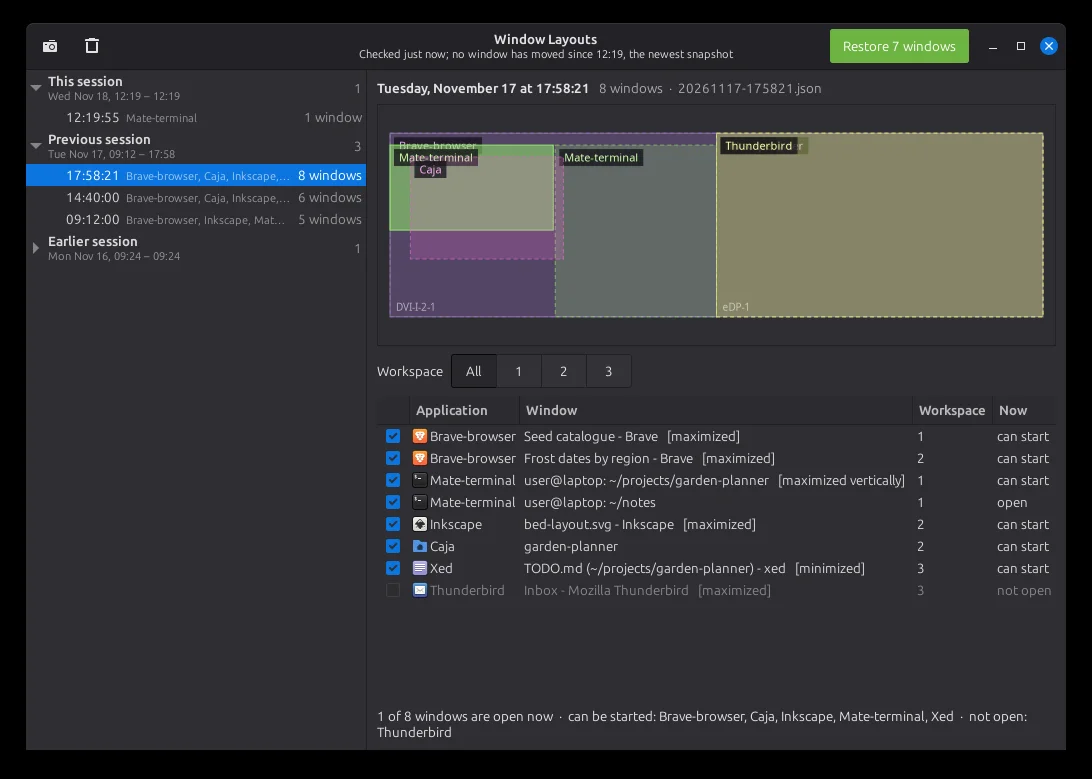
window-layout
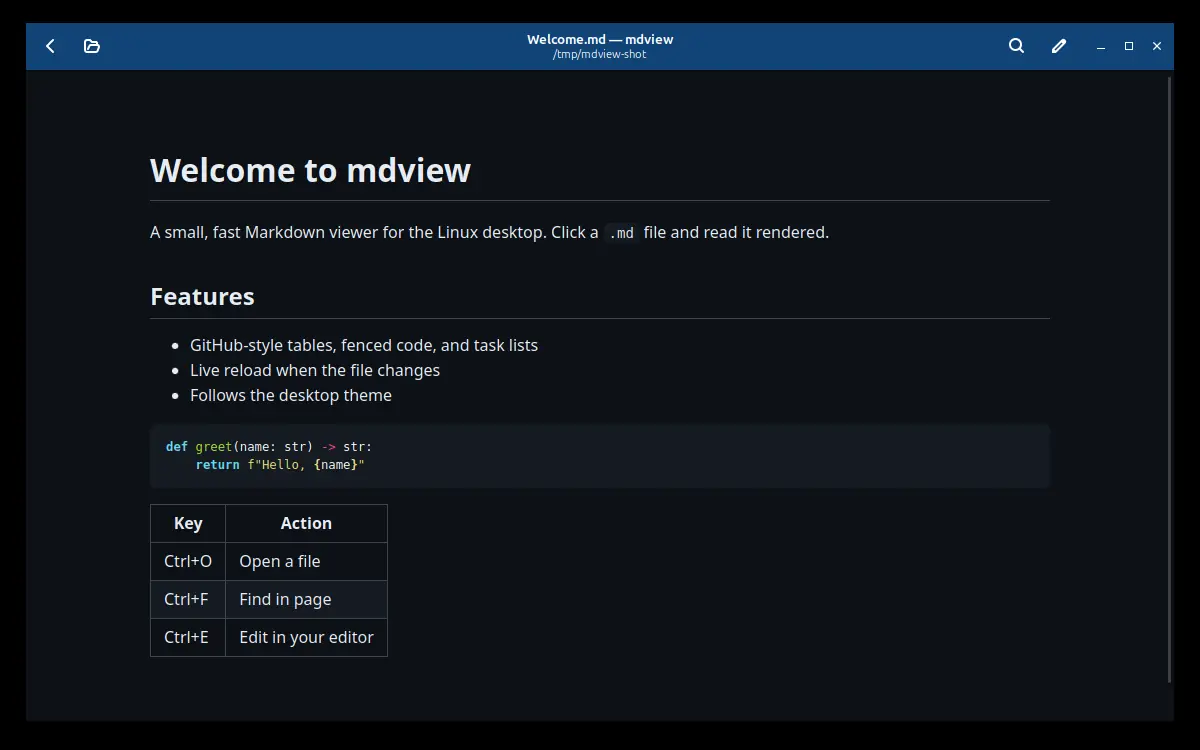
Snapshots the desktop’s window layout every two minutes, so it can be put back after a crash or reboot.
Shipped
Crosshair Overlay
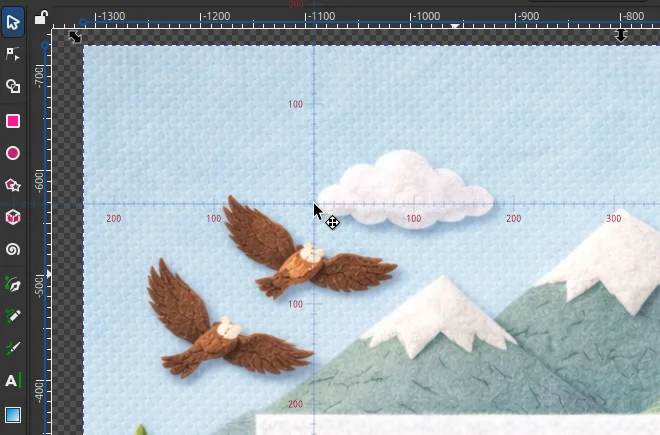
A full-screen, click-through crosshair overlay for Linux (X11) and Windows, with a system tray icon and settings.
Shipped
Linux Volume OSD
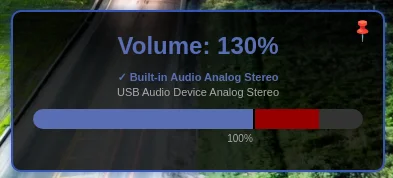
A persistent on-screen display for volume control and audio device selection on Linux.
Experiments
POC · live site
AOCS
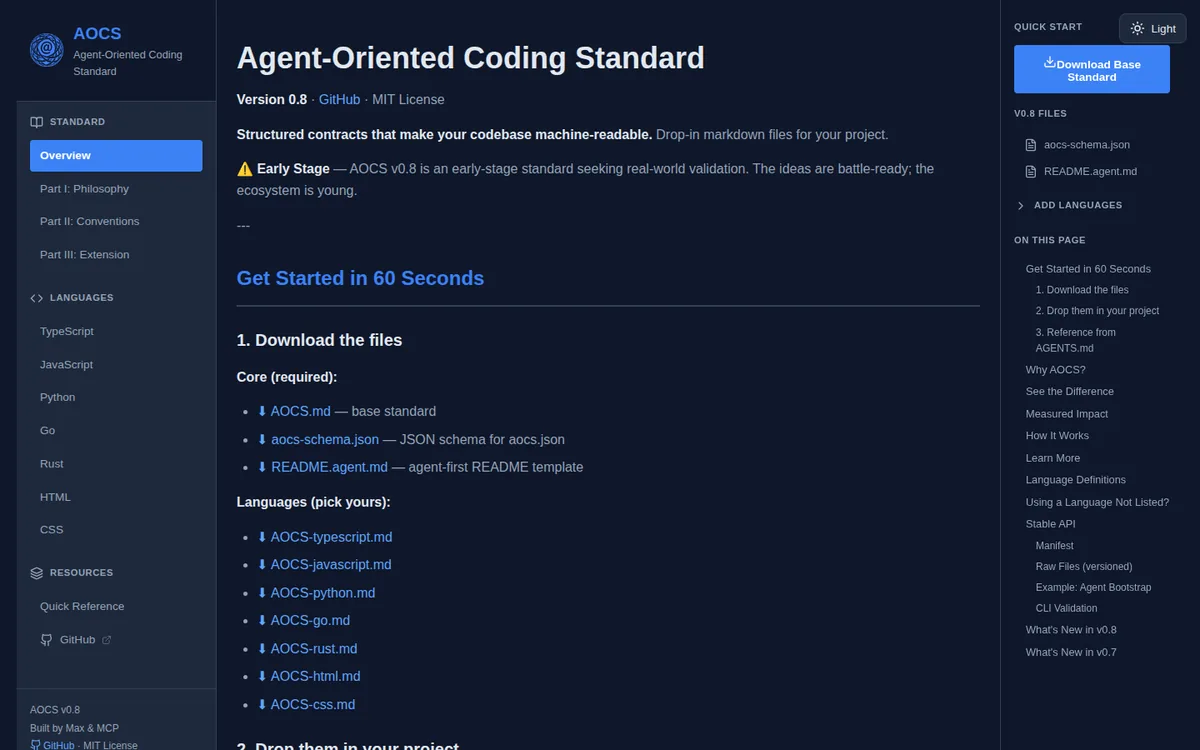
An experimental coding standard aimed at compact, machine-readable code that costs fewer tokens to read.
About
The short version
I’ve been building software for 20+ years, from web apps and back-end services to the small Linux tools I use every day. I care about the finished product: something that solves a real problem, works reliably and stays easy to change.
Education
- Utah State UniversityBachelor of Science in Management Information SystemsGraduated — 2007
- Mountain Crest High SchoolHigh School Diploma1988 — 1991
Interests & Hobbies
Interests & Hobbies
- Tinkering and fixing things
- CAD design
- Wood carving and CNC
- Making games
- Home automation
- Off-grid solar
- RVing
- Winter sports
- AI/SI vibe coding
Loading map…
Playable slice
Trail Blacksmith
A winter slice of the trail park game I'm building.
On a computer, hold W and S to go and release to stop. F is fullscreen, V mutes, and R restarts. On a phone, tap Forward or Reverse to keep moving, and Stop to halt. Mouse or finger to steer. Keys are only used while the game is active.